CircuitKid
Learn robotics by building robots.
A video course for kids who want to build robots. A real Arduino kit shows up at your door and you start building with it the same day. First a blinking light. That sounds small until it is your light, and you are the one who made it blink. By the end you have a car that drives itself around the living room. Nobody starts this course knowing how to code.
Live help every week. Bring whatever is broken and we fix it together.
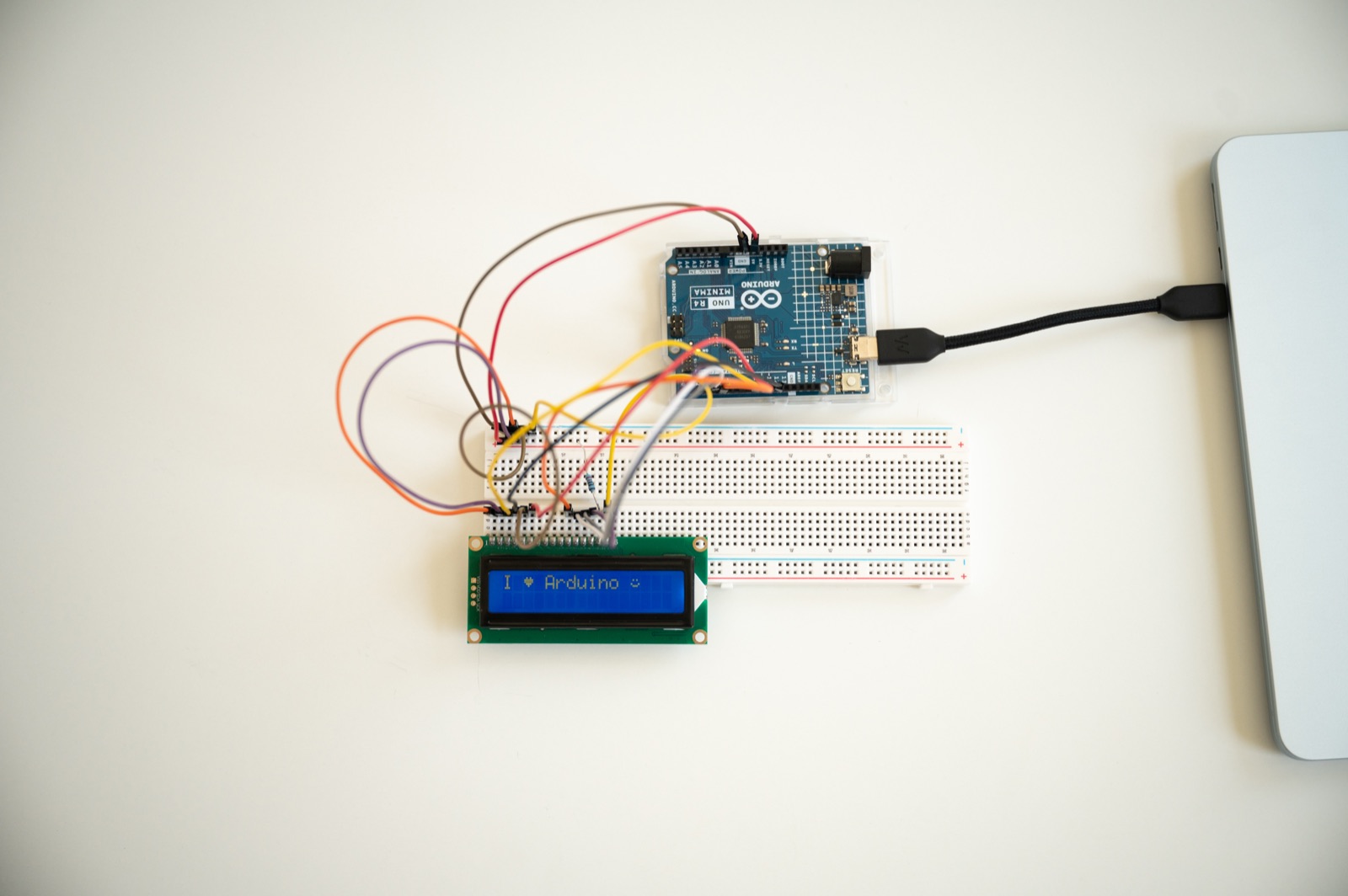
The screen build, straight out of the box
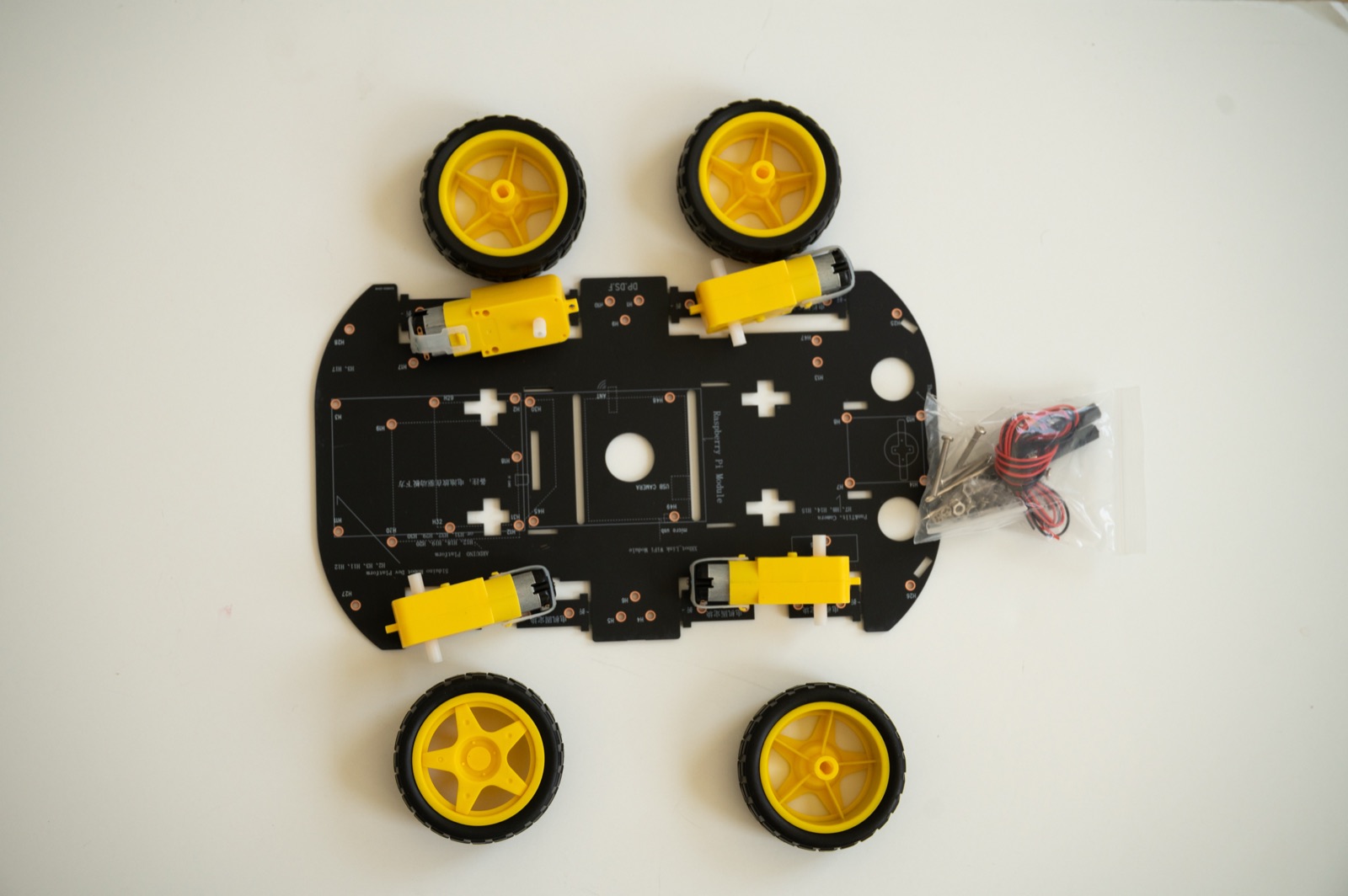
The car, before it learns to dodge
Inventor Lab
Five builds you get to keep
The last unit is the Inventor Lab. Each project runs over a handful of lessons and uses most of what you picked up getting there. Pick one. Or be stubborn and do all five.
- A
RC Car
Build a two-wheel-drive car from a bare chassis, then drive it around your house.
- DC motors
- L298N H-bridge
- Chassis build
- Speed control
- B
Tic-Tac-Toe
An LED board, buttons, and an opponent you wrote yourself.
- Arrays & game state
- Win detection
- Simple AI
- Big-board wiring
- C
Laser Harp
Invisible strings made of light. Wave your hand through a beam and it plays a note.
- Lasers & photoresistors
- Calibration
- Tone generation
- D
Crack the Vault
A keypad-locked vault with a servo bolt, an alarm, and a combination only you know.
- Keypad input
- Servo lock
- State machines
- E
Sentry Turret
A pan-tilt turret that scans the room, locks onto a target and fires.
- Pan-tilt servos
- Ultrasonic ranging
- Target tracking
How it works
Every lesson runs the same way
Three steps, same order, every time. Learn the loop once and the rest of the course is that loop again with better parts in it.
- 1
Watch it
Short videos, plain English. Every new word gets explained the first time it shows up, not three lessons later.
- 2
Wire it up
Pause and build the circuit on your breadboard. Every wire is on screen, pin by pin. Rewind as often as you need.
- 3
Run the code
Copy the sketch out of the workbook and hit upload. Then change a number and see what breaks. That part is the whole point.
The map
6 units, in order
Nothing gets skipped. Each unit only assumes what the one before it taught you, so if you start at Unit 0 you never walk into a wall.
Student builds
Made out of the same box
No extra parts ordered, no 3D printer. Everything down here came out of the kit that shows up at your door.
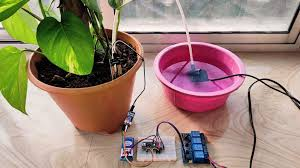
Automatic Plant Waterer
A water sensor plus a relay that keeps a houseplant alive on its own.
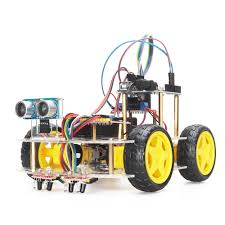
Object Avoidance Car
The robot chassis plus an ultrasonic sensor, dodging walls by itself.
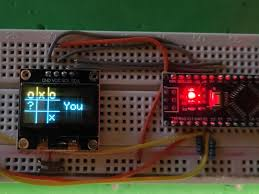
Tic-Tac-Toe Machine
An LED grid, buttons, and an Arduino that plays to win.
Go build something that moves
Get the kit, open Unit 0, and start. Something on your desk will be blinking before dinner. The car takes longer.
Questions first? Email nayanrgarg@gmail.com.